

How to Get Found on Google
October 18, 2026





 By
Sreeshma M
By
Sreeshma M
Think about how you choose a salon, a physiotherapist or a consultant today. Most people pick up their phone, search for something nearby, scan a few reviews and look for the quickest way to book. If a business only says “call us during working hours”, many customers simply move on to the next result. For local businesses, an online booking page is no longer a luxury. It is a basic part of being visible and easy to choose.
Today’s customers expect quick answers. They want to see your hours, services, location and availability within seconds, and they want to book without waiting on hold. Most of this happens on a mobile phone, often in the evening or on weekends when your office is closed. They also look for signs of trust, such as honest reviews, clear information and an instant confirmation after booking.
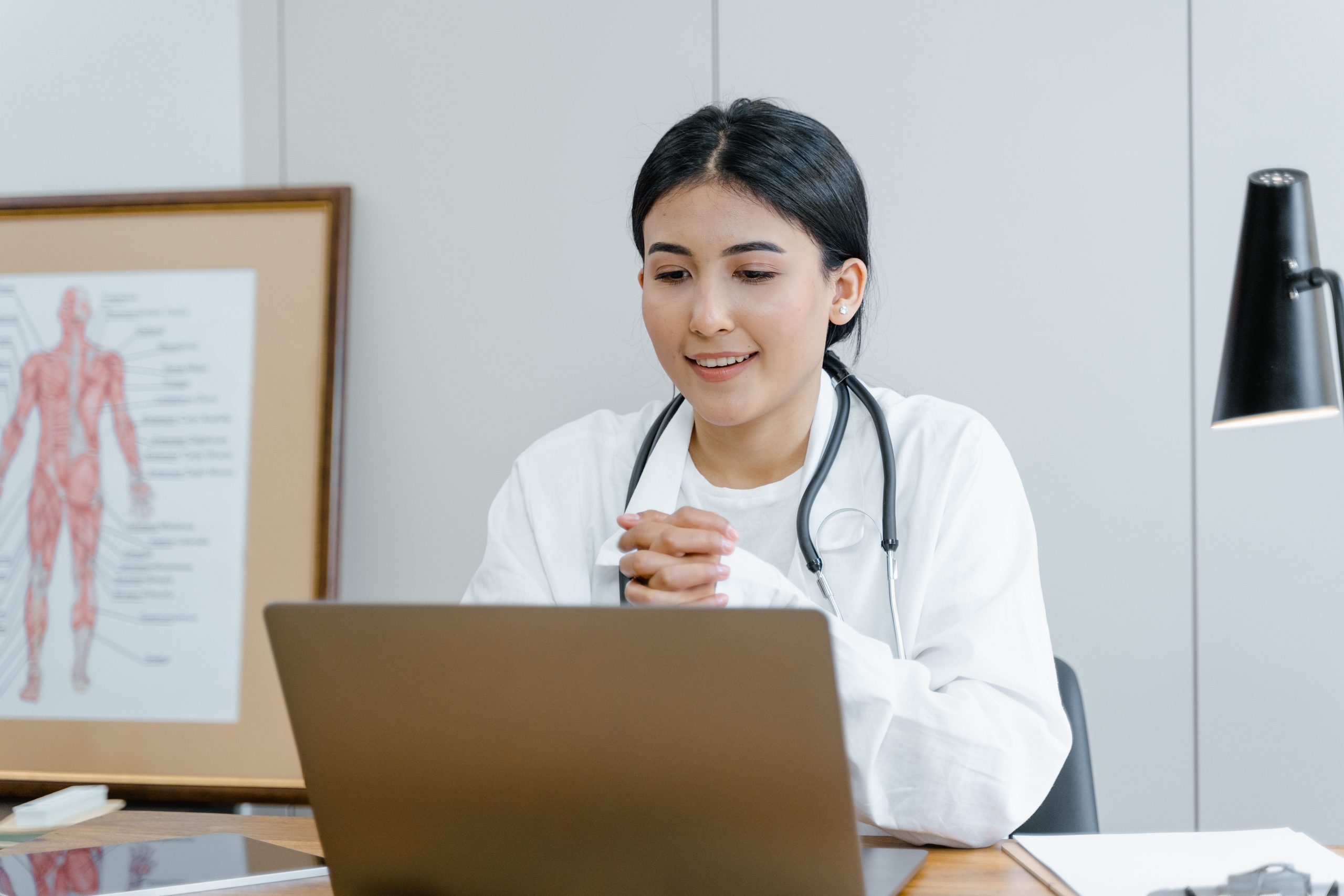
An online booking page is a dedicated web page where customers can view your services, choose a time slot or take a token, and receive confirmation. Think of it as a receptionist who never sleeps. It handles routine bookings at any hour so that you and your team can focus on the customers in front of you.
The first benefit is simply more bookings. Customers who decide at ten at night can book immediately instead of forgetting by morning. Phone calls also drop, which frees your staff for more valuable work. All your bookings live in one organized place rather than scattered across notebooks and chat messages, and the experience gives your business a more professional feel. Over time, the data also shows you which services and time slots are most popular, helping you plan staffing and offers.
Being bookable is only half the story. Customers must be able to find you first. The foundation of local search visibility is a complete Google Business Profile with your correct name, address, phone number, working hours, photos and a link to your booking page. Keep this information identical everywhere your business is listed, because inconsistencies confuse both customers and search engines.
Next, use the words people actually search for. Phrases that combine a service with a location, such as “dental clinic in Thrissur” or “bridal makeup in Kochi”, should appear naturally in your page title, headings and descriptions. Make sure a clear call to action such as “Book now” or “Get a token” is visible without scrolling, and that the page loads quickly on a phone, since slow pages lose customers before they see your services.
Reviews matter just as much. Ask satisfied customers to leave one after their visit and reply politely to every review, including critical ones. Finally, consider publishing short, helpful articles that answer common questions in your field. Content like this builds trust and attracts local searches over time.
Beyond your own page and Google listing, being present on a platform where customers already search for services adds another route to discovery. Jaldee works both as a booking tool and as a web portal connecting service providers with customers, with keyword search designed to help businesses get noticed.
Start by listing your services and how long each one takes. Set your working hours and slot rules, then create your booking page and copy the link. Add that link to your Google Business Profile, WhatsApp status, Instagram bio and printed materials such as visiting cards. Finally, invite your next ten customers to book through it, and ask for their feedback. Small steps like these quickly build momentum.
Do I need a website to use an online booking page? No. A booking page can serve as your main web presence, and you can link to it from social media and Google.
Is online booking only for big businesses? Not at all. Solo practitioners, small clinics and neighborhood salons often see the biggest time savings.
How quickly will I see results? Bookings through direct links can start right away, while improvements in search rankings usually build over weeks and months.
Let customers book you anytime, from anywhere. Set up your Jaldee booking page and start getting discovered.
Before publishing, add one real screenshot of your booking page to each post with descriptive alt text, and link the three posts to each other. I can also provide these as a Word or Markdown file if that is easier for your team.
October 18, 2026
October 17, 2026
October 15, 2026